Home

Category

Hardware & Setup

13 articles

We Tested 7 Pro Deadzone Configs So You Don't Have to — Here's What We Found

We Tested 7 Pro Deadzone Configs So You Don't Have to — Here's What We Found

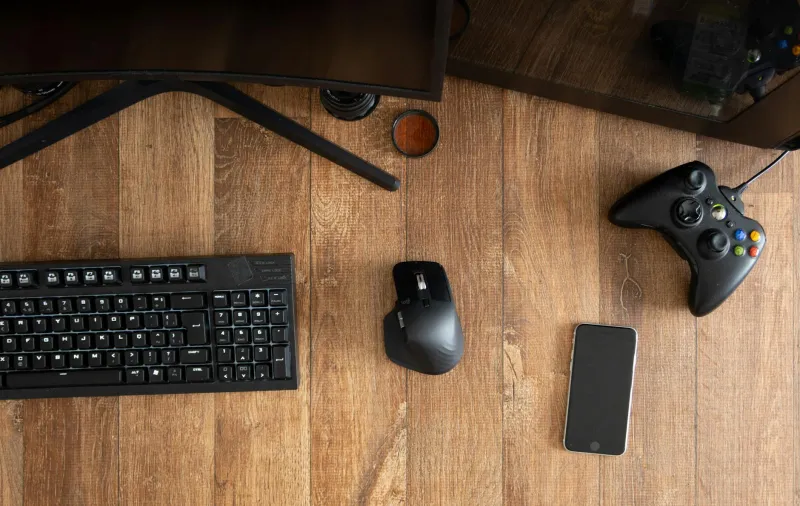
Everyone tells you to copy a pro's settings, but nobody talks about why their deadzone probably won't work for you. We broke down seven current NA pro configurations — including setups from Jstn and Aztral — to figure out whether deadzone is the most personalized (and most underrated) setting in competitive Rocket League.

The One-Man Army Era: Why RLCS 2025 Is Making the Mechanical Carry the Most Valuable Player on the Field

The One-Man Army Era: Why RLCS 2025 Is Making the Mechanical Carry the Most Valuable Player on the Field

Something has shifted in RLCS this season, and it's not subtle. The teams making noise at LAN aren't winning through perfect rotations alone — they're winning because one player on their roster can do things nobody else in the lobby can answer. This is the rise of the mechanical carry, and it's reshaping how rosters are built, how teams train, and what skills the current meta is actively rewarding.

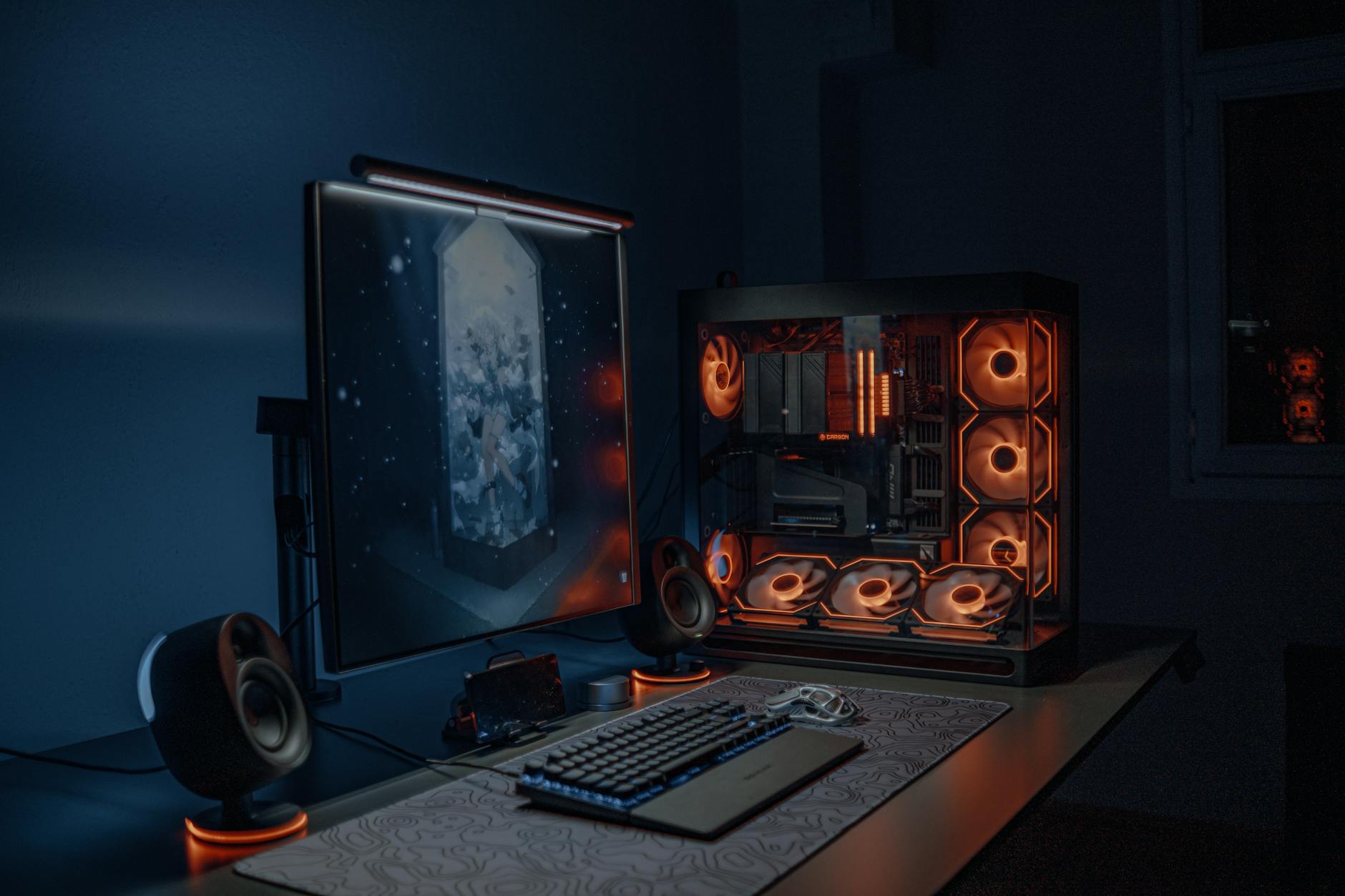
Your Setup Is Sandbagging You: The Real Cost of Ignoring Your Monitor in Rocket League

Your Setup Is Sandbagging You: The Real Cost of Ignoring Your Monitor in Rocket League

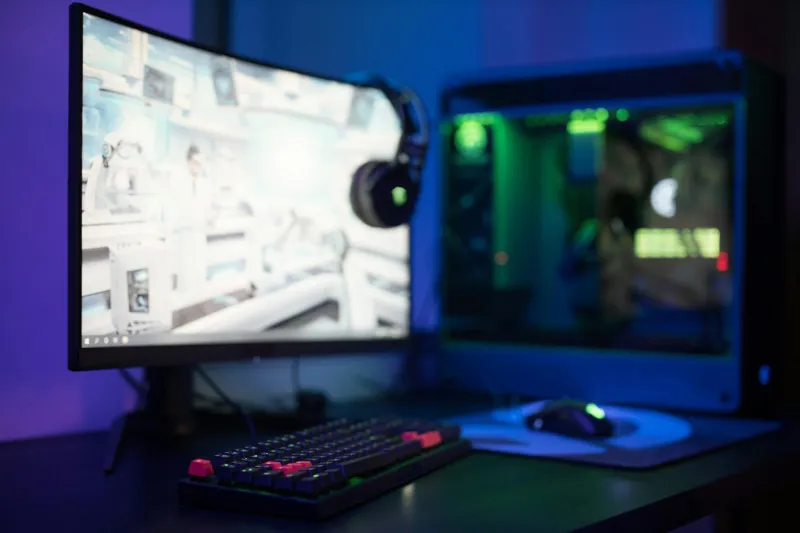
You've memorized your aerial angles, dialed in your deadzone, and spent hours in freeplay — but if your monitor is running at 60Hz with unchecked input lag, your mechanical consistency is a lie. This is the complete guide to display settings, refresh rates, and latency tools that actually matter for competitive Rocket League.